 info@spgtechsoft.com





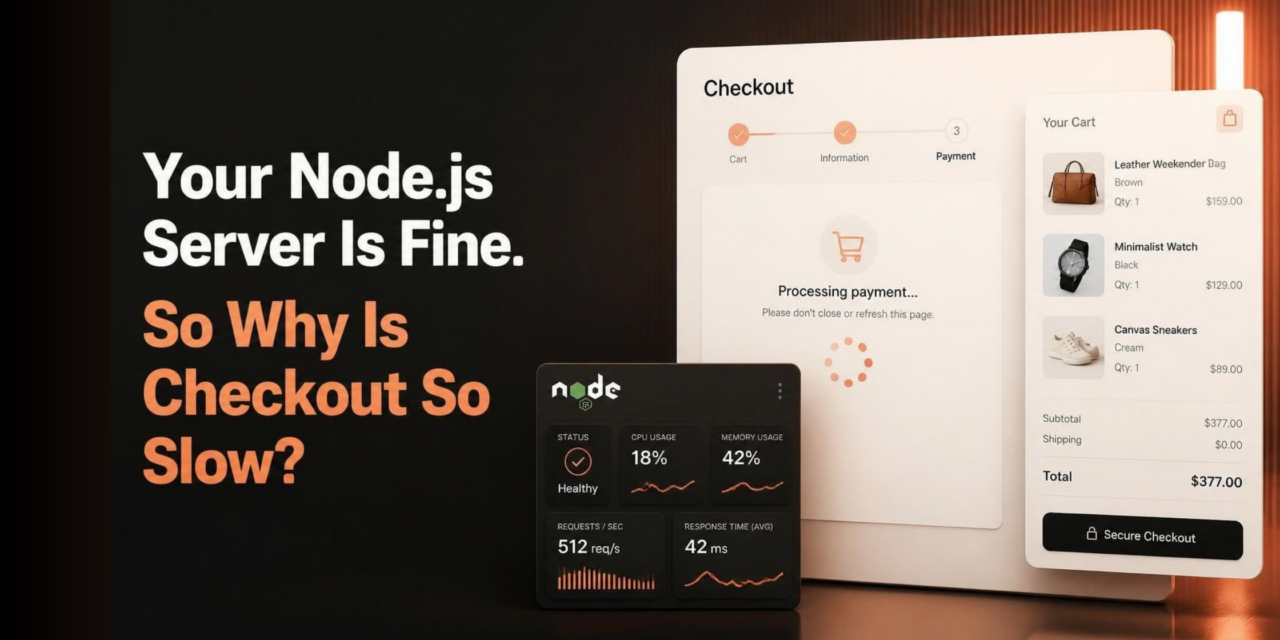
Your Node.js Server Is Fine. So Why Is Checkout So Slow?
The server isn’t using much CPU. The product pages load quickly, and nothing seems wrong with the database.
Yet customers are waiting several seconds after clicking the checkout button.
The inventory service might be taking too long to respond. The payment provider could be having a bad day. The store gets blamed for a delay caused somewhere else.
Adding more server capacity won’t necessarily fix it.
1. Find Out What the Application Is Waiting For
A checkout request can involve several services. The application checks stock, works out the shipping cost, contacts the payment provider, and saves the order.
Now look at how those calls are arranged.
If the shipping calculation can run while inventory is being checked, there’s no reason to make one request wait for the other to finish. Payment processing is different. Inventory and shipping checks can often run at the same time. Payment is different. Changing its order can affect how the transaction is recorded.
Start with the timings.
One inventory check returns in 150 ms. Another takes four seconds. That difference deserves attention, even if the average looks fine.
This makes it easier to identify which dependency is holding up the response instead of assuming the Node.js server is responsible.
2. When a Payment Request Times Out
Here’s a more serious problem.
The payment provider receives the request and charges the customer. Its response doesn’t reach the store before the timeout expires.
The website reports an error. The customer clicks Pay again.
A timeout leaves the payment outcome uncertain. Check the provider’s transaction status before trying again.
If the gateway supports idempotency keys, reuse the key from the first attempt when retrying.
The checkout page needs sensible handling. It should tell customers that the payment status is still being checked. Wait for the provider’s response before asking them to try again.
You should ask a Node.js development agency in India how they recover from a payment timeout. A successful checkout demo won’t show whether it can verify a charge when the provider’s response never arrives. A normal successful payment tells you little about the recovery process.
3. Which Checkout Tasks Can Run in the Background?
An order has been recorded. Saving the order isn’t the end of the process.
Does the customer need to wait for all?
These follow-up jobs don’t always need to hold up checkout. A background job queue can process suitable tasks without forcing the customer to sit through each operation.
There is a trade-off.
A background task can fail after checkout is complete. Record failed jobs and retry them when the error can be recovered from. Otherwise, the customer receive an order confirmation before the warehouse gets the order details.
Payment status and order creation need their safeguards. Moving work into the background doesn’t remove tasks to handle failures correctly.
4. Try Breaking the Checkout Before Launch
A test with every service responding on time won’t tell you much about what happens during an outage.
Delay the inventory API. Make a payment request time out. Send the same checkout request twice.
Then inspect the order records and payment status. Did stock get deducted twice? Can the team identify an order whose payment result remains uncertain?
Run tests in staging before opening checkout to customers.
Track checkout response times after launch. When they spike, check the inventory, shipping, and payment services before changing the Node.js code.
When hiring a Node.js web development company in India, ask how the team tracks down a slow checkout request and finds the cause of repeated failures.
When checkout slows down, the first question shouldn’t be how much more server capacity to buy. Find the request that’s waiting, then work out why.
