info@spgtechsoft.com





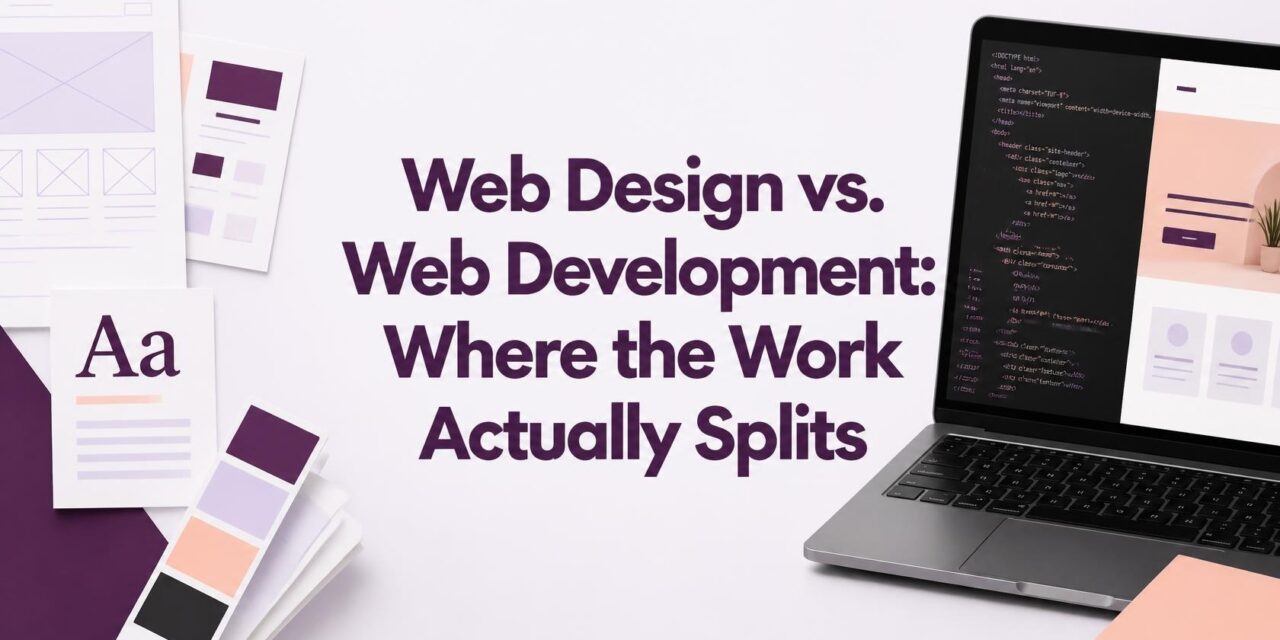
Web Design vs. Web Development: Where the Work Actually Splits
A company wants to replace its website. The marketing team has found a few layouts it likes, the owner wants a cleaner homepage, and the sales team needs a better way to handle inquiries.
The design gets approved.
Then somebody asks whether the new contact form can send different requests to different departments. Another person wants customers to filter the company’s products. Developers should know who will maintain product listings after a visitor submits the form.
The project is no longer just about the pages.
This is where the difference between web design and web development becomes important. They are separate areas of work, although many website projects need both.
What Visitors Need From a Website
Visitors should know where to click.
When visitors can’t find the menu, they may miss the information they came looking for. They also plan how interface responds when a customer opens a menu.
A consultancy could give its tax services and business advice on separate pages.
Remove a section when it repeats information already explained elsewhere.
Teams can settle the page layout before choosing its colors and styling. Changes to this layout are easier to discuss before work starts.
The company should review these before the website is built.
- Development Brings the Interface to Life
The mockup shows the proposed layout not functionality.
Developers use web development services to turn approved designs into working pages. React can help manage interactive interfaces and changing content.
Frontend work covers the parts visitors interact with. Menus and product filters must function properly on different devices.
Backend code handles data storage and the operations that power the website. It may also connect the site to outside services.
An informational site may need very little custom server-side code. A customer portal has more to handle.
A good-looking website can still have broken features.
- Contact Form Needs More Than Appearance
The company wants sales inquiries sent to sales and support requests to customer service.
The designer chooses the fields and submission message. The form should be simple to complete, without requesting information the company doesn’t need at that stage.
The form still needs working submission logic.
CRM should get the form data in the correct format.
What happens when transfer breaks?
The form might appear to work even when no message reaches sales. The site must catch that failure rather than lose the inquiry.
Design plans the interaction; development builds its behavior.
- Where Design and Development Overlap
Some choices affect both design and code.
A product’s price may vary with the size or material selected.
Keep the available choices clear and easy to navigate.
The system validates the selection and stores it with the order details.
When a feature becomes costly to maintain, scale it back. A simpler interface might achieve same purpose with less development work.
That discussion is easier before the design is treated as final.
- Why the Difference Matters When Comparing Quotes
A website’s page count doesn’t tell you how much development work it requires.
Even a small website can involve account management and live stock updates. A larger company website might consist mainly of informational pages managed through an existing content management system.
The work involved can be very different.
Design costs include interface planning and visual work. Development fees reflect on the functionality and testing involved.
Compare the work included in each quote.
One quote might cover the complete build, while another excludes content migration or launch support.
There is also the cost of making changes late in the project. Moving a button in a design file is quick.
Do You Need Design, Development, or Both?
Identify what’s wrong with existing website.
If the website works properly but looks outdated, a design refresh may be enough. Make sure it solves a problem the current site cannot handle.
Broken forms and outdated customer records point to technical problems. A new visual theme won’t fix it.
Some needs both from the beginning.
An online store needs easy navigation and dependable payment and order processing.
There is also a middle option. Businesses may only require a new feature or changes to a few key pages.
Keep the existing platform if it still does the job.
Choosing the Right People for the Project
A designer’s portfolio can show the quality of their visual work. It doesn’t show experience with the functionality your business needs.
Capable programmers may struggle with interface design.
Agree on who handles each part. Who prepares the mockups? Who implements the interface? Who connects the systems and fixes faulty features?
Also clarify what happens after launch. Know who maintains the site after launch.
Find out:
- Is the quote for design or the complete project?
- Which features require custom functionality?
- Who approves the design and tests the finished website?
- What support and maintenance are provided?
Design determines how visitors use the site. Web development builds the interface and systems. Both are important.
Define the website’s purpose first. Then choose how to build it.